
n8n CSV Duplicate Checker with Dashboard
Easily detect duplicate records in your CSV files with this n8n automation template. It validates data integrity by scanning uploaded CSV data, marking duplicate entries and generating a clean dashboard view to review grouped duplicates and summary statistics.
How it works
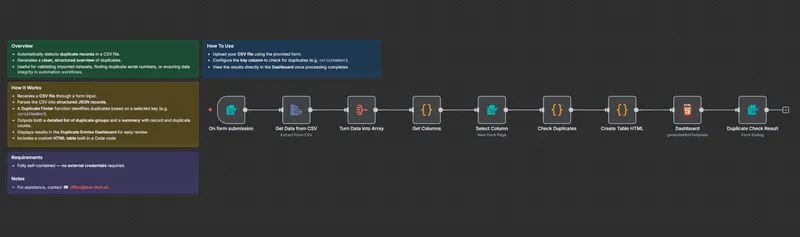
- The workflow receives a CSV file via an HTML form upload.
- It converts the file into structured JSON records for analysis.
- A custom CSV Duplicate Finder function checks for repeated values in a selected key column (e.g.
serialNumber,emailorid). - The output includes both a detailed duplicate list and a summarized count overview.
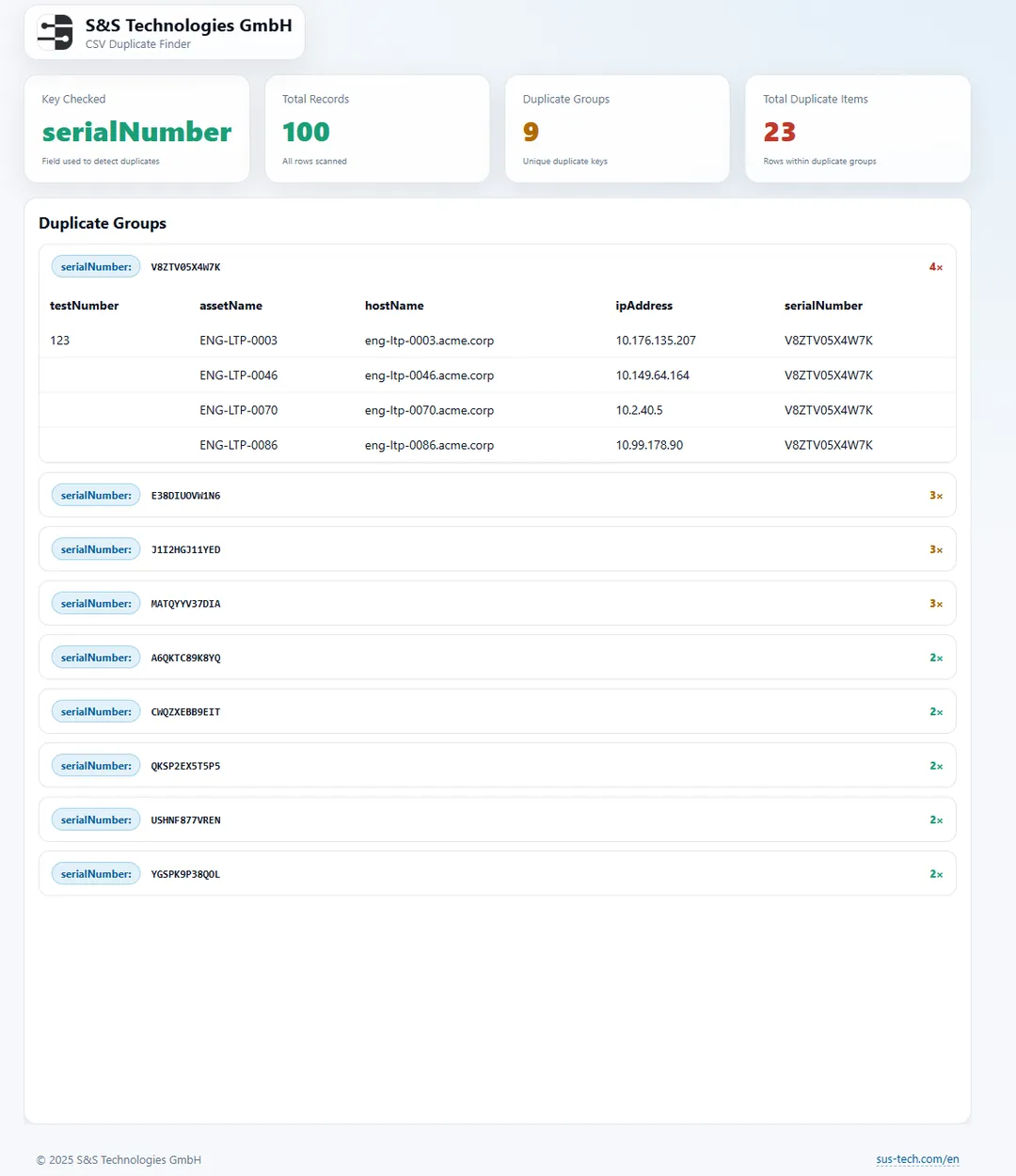
- Results are visualized in the built-in Duplicate Entries Dashboard for quick inspection.
Use cases
- Validate imported datasets before database entry.
- Detect duplicate serial numbers in hardware or asset inventories.
- Maintain clean datasets in reporting or automation pipelines.
How to use
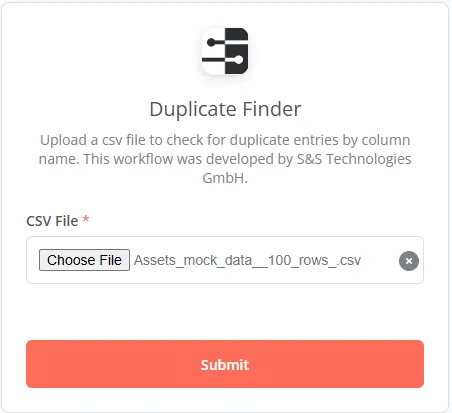
- Upload your CSV file using the input form.
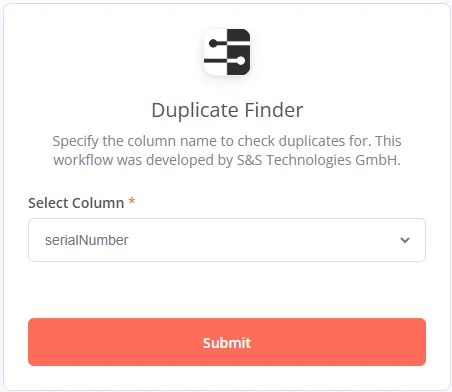
- Select the key column to check for duplicates (e.g.
serialNumber). - Run the workflow - the Dashboard will display grouped duplicates and summary statistics automatically.
Requirements
- No external credentials required - runs entirely within n8n.
Screenshots
Ready to get started?
Grab the template or talk to us about the best implementation.